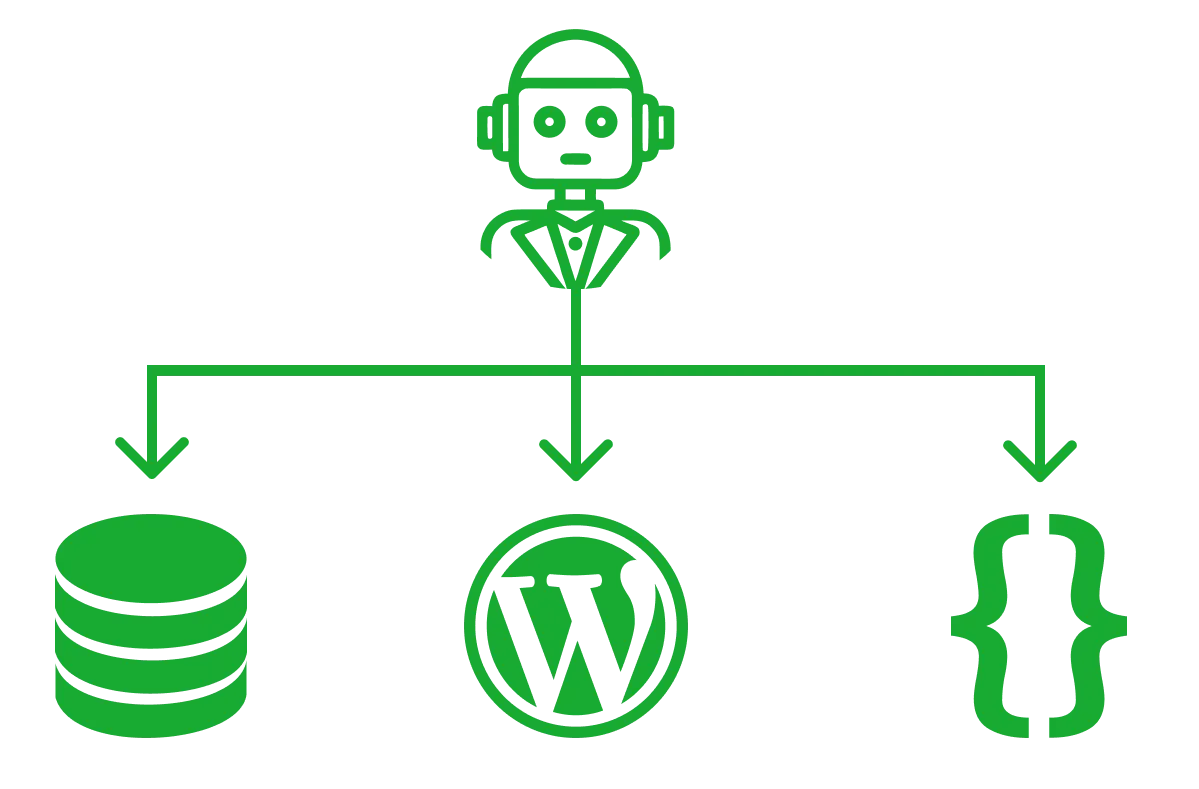
Instead of choosing a CMS based on familiarity, focus on storage, structure & cost and build an agent-driven interface that works with any CMS backend. We built a prototype where a single text field manages website content through natural language requests. After testing, we see strong evidence this approach excels at post-live updates, converting human language into content changes faster than traditional CMS dashboards.
When it comes to choosing a content management system for a website, should we use Drupal, WordPress, or perhaps a SaaS-based one like Contentful or Sanity?
When working with creative directors, marketing/IT managers, commonly an influencing factor is the user interface.
How can we make this choice simpler? We start by establishing the type of product this CMS is powering, from a simple marketing landing page to a large corporate enterprise. I don't believe we should be restricted by the user interface. Instead, we should focus on storage, structure & cost.
With this influencing factor out of mind, does this help simplify your choice? Consider what you're actually storing, how it needs to be organised, and what it will cost. If the content is mission-critical, powering multiple tech products, we can focus on a SaaS content manager. Some even come with their own AI content managers.
Maybe we're working with something more concentrated, perhaps a simple landing page, blog, or marketing website. Maybe your data is rightfully stored across multiple systems?
This is the crux of the question: maybe there's some space here for a simple interface that sits in the middle? One text field backed by a content management agent (or team of agents) that evaluates what you'd like to do and executes it if clear.
To test this concept, we'll build a simple prototype that demonstrates how a content management agent can work with a basic content structure.
For the MVP, we'll focus on the core functionality:
With this in mind, we can now build the prototype.


 We'll build a simple React Vite application that will show a simple landing page. with a single pageWe structure the content into .json files and parse those into the components. The filename of each .json file represents the last part of the URL, so each .json file we create automatically maps to a page. For now, we'll keep it simple with just one page to simplify the logic for the agent. that maps directly to page components
The first step is to construct a rapid prototype to obtain an idea of the scale of work. We'll begin with the most basic system. Commonly when building a web product, if there's no specific desire for a CMS, my default approach is to make sure the content structure is well-defined and can be easily migrated or adapted to any CMS platform later.
Here's a walkthrough of the prototype we built: Try the prototype here.
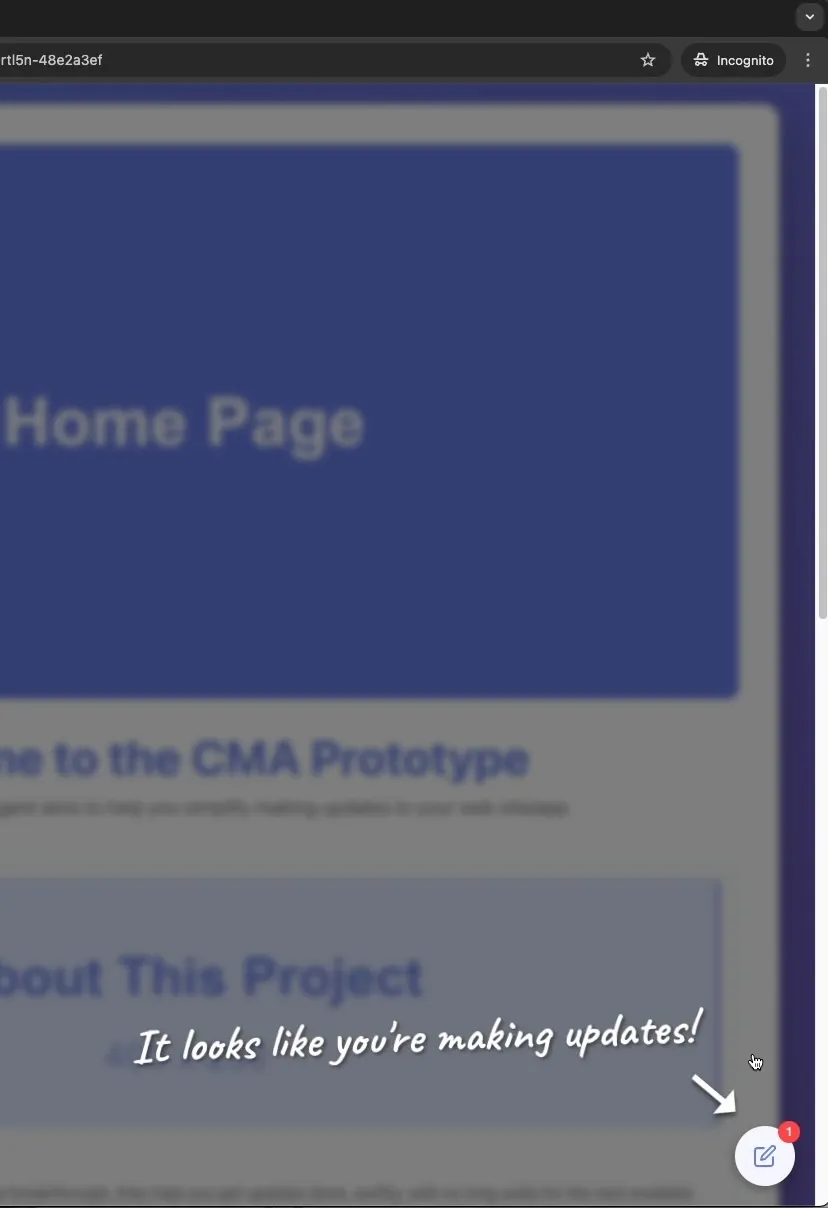
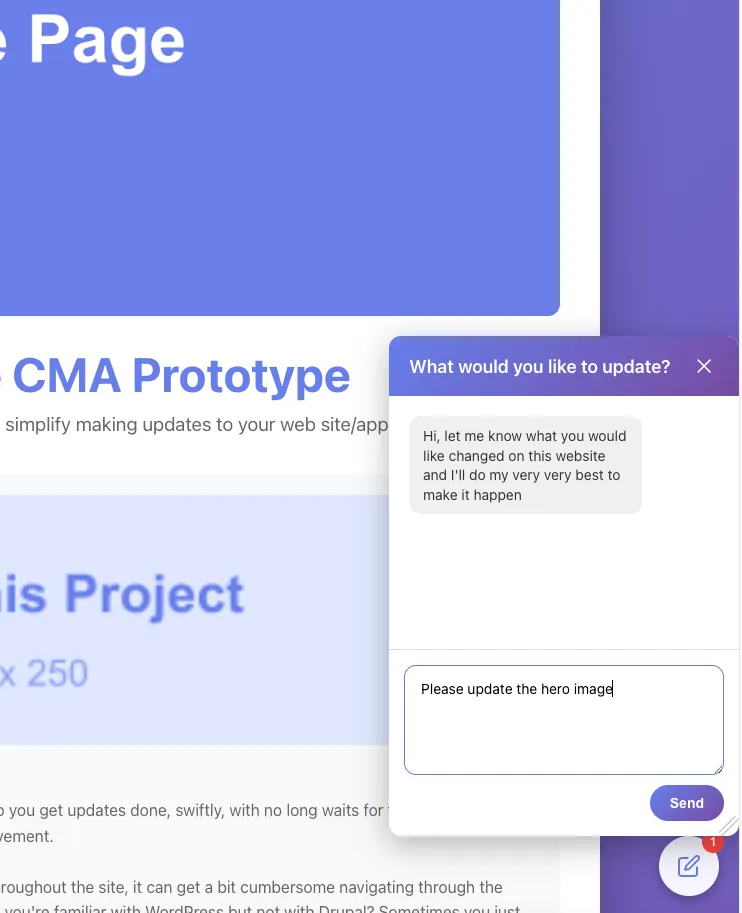
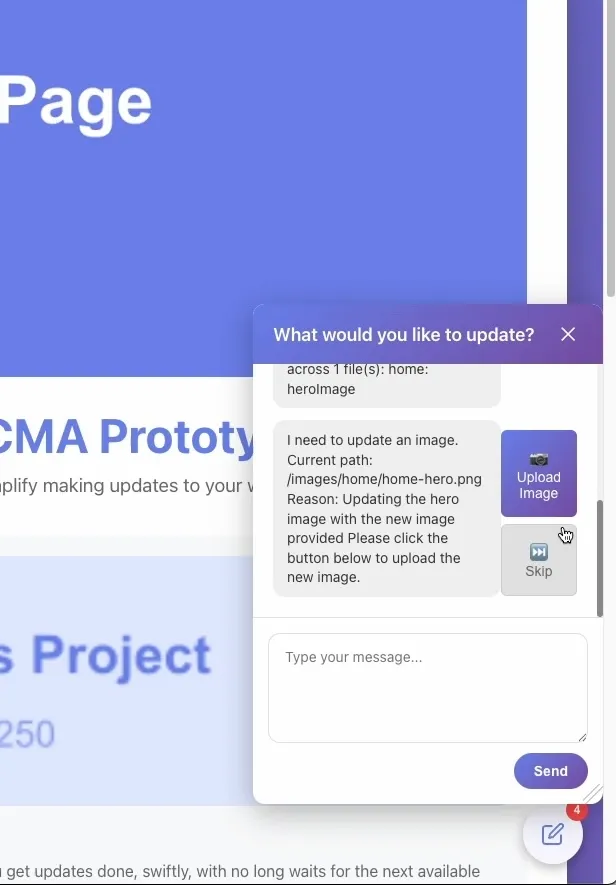
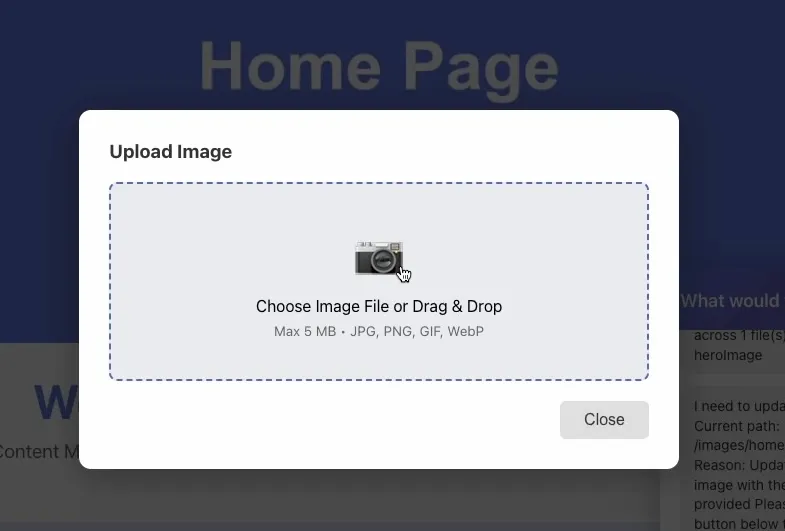
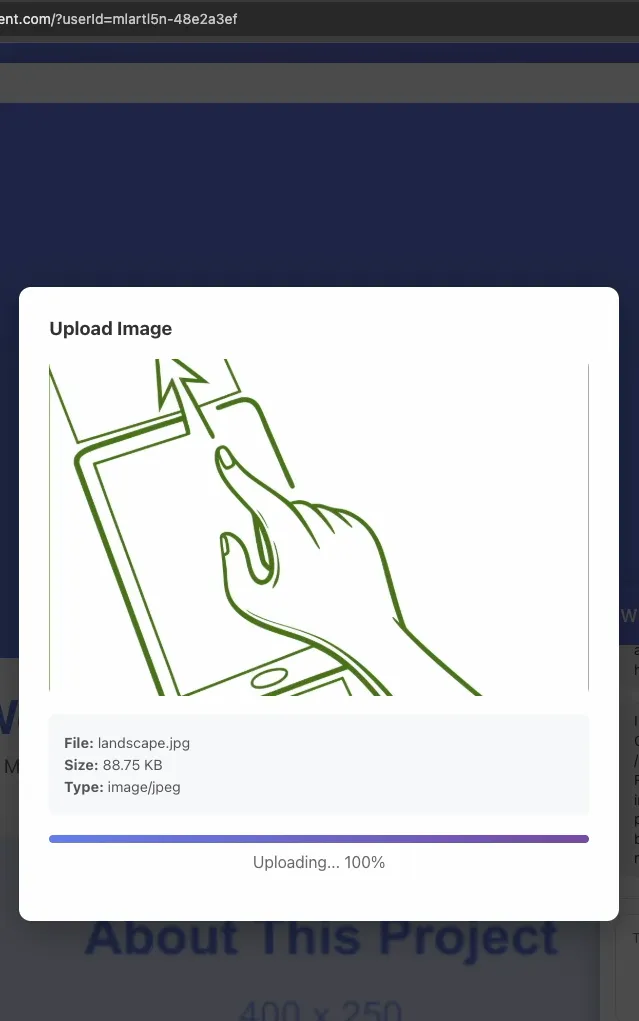
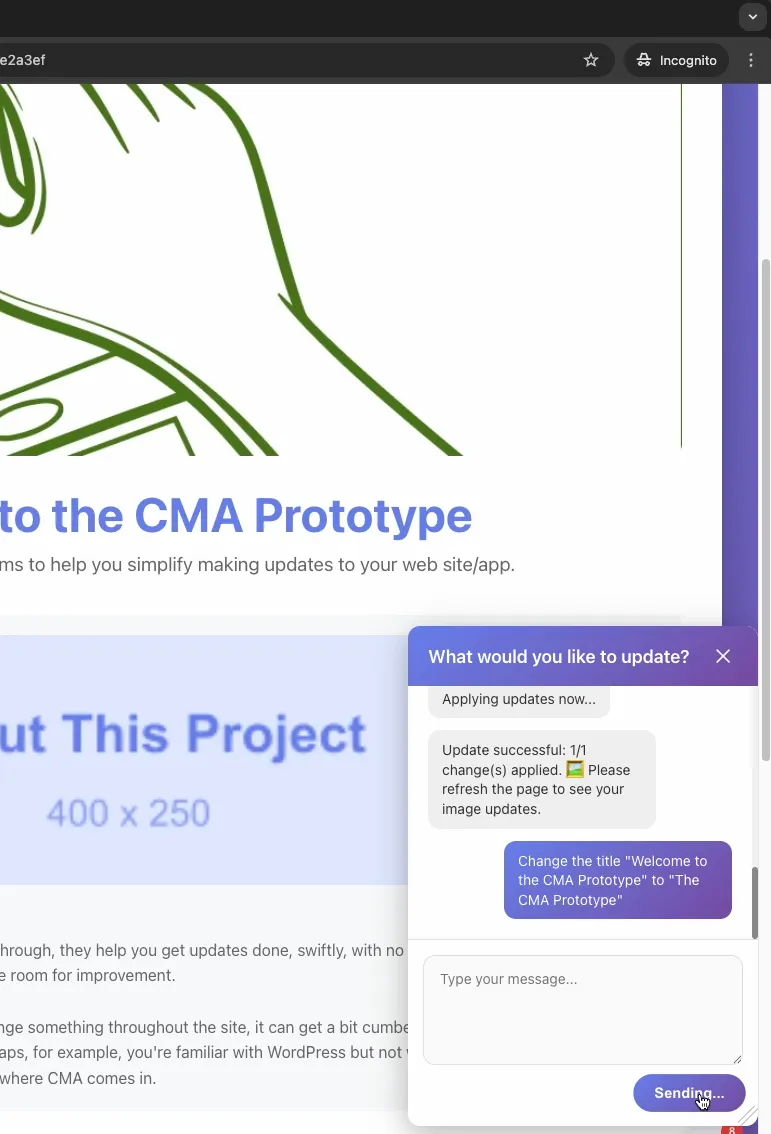
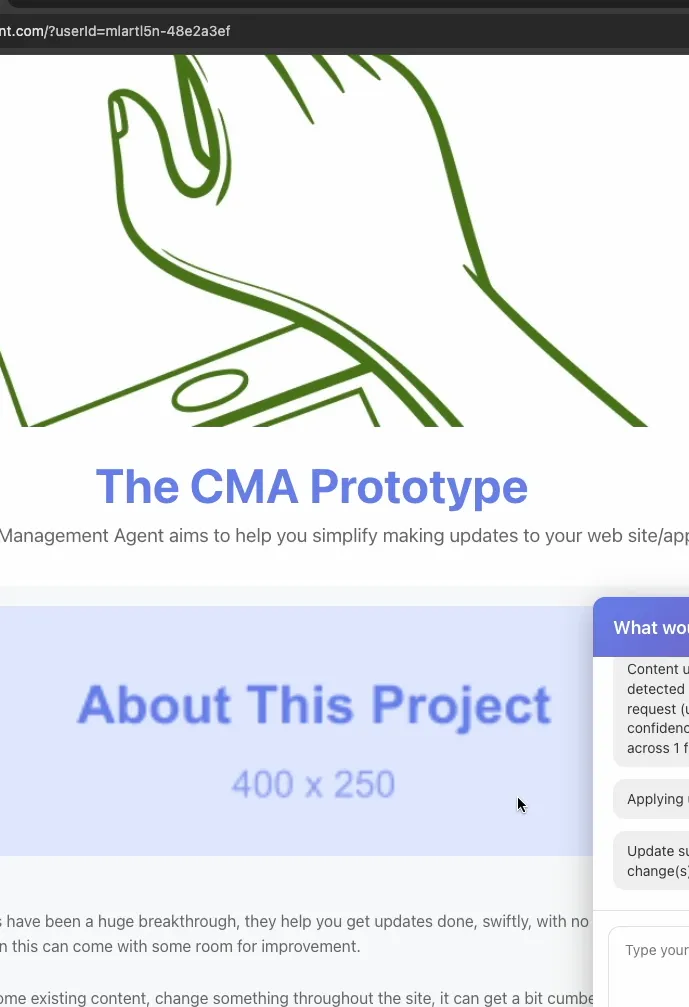
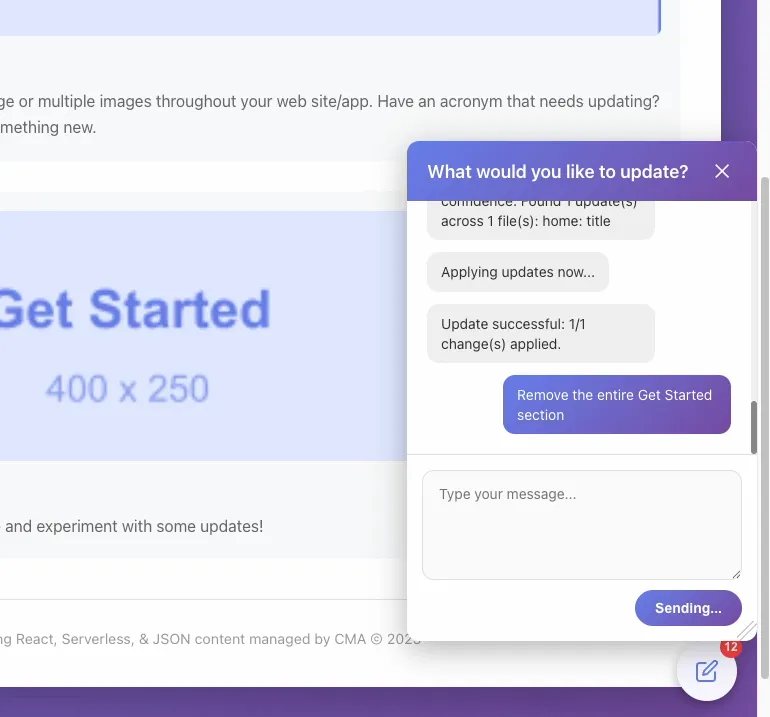
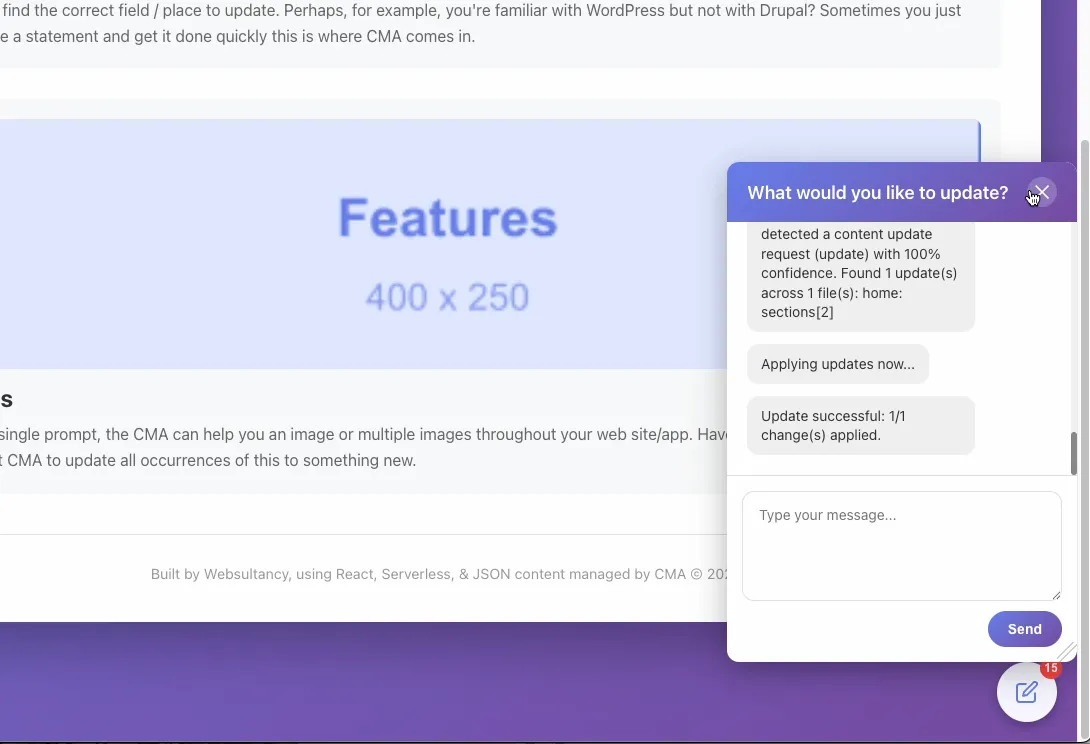
When the CMA does its job correctly, it really does seem like a viable complement to any CMS for post-live tweaks and updates. It can also be used as a lightweight CMS in its own right. It feels quick, and the AI agent seems mostly competent, making it easier than logging into the dashboard for simple content changes.
However, the next phase comes with many more challenges. Currently, the content management agent just reads a plain text file and updates it with the relevant content. There are a host of future improvements and challenges to overcome to potentially be a viable product for the end user.
This is somewhat of a larger undertaking, but there could be space for such a product.

We made a React plugin that makes the most of CSS Scroll snap for the full browsers viewport.

Armed with years of experience in web development and some basic mathematics, we built a full stack application to win at the races
Ad-hoc planning, prototyping, building, testing, maintenance and team management in all aspects of web development. No upfront commitment and an free consultation, let's chat and see how we can help.