
JavaScript carousel libraries can't match native CSS scroll snap performance. But if you want to make CSS scroll snapping on the top level scroll bar, there are a few optimisations and tweaks needed between browsers.
We built full-view-snap-react to handle this for you
Website: full-view-snap.websultancy.com
Package: npm install full-view-snap-react
Code: github.com/websultancy/full-view-snap-react
Demos: full-view-snap.websultancy.com/#examples
We see a lot of websites using JavaScript carousel libraries but none, specifically on touch devices, come close to that smooth inertial-based scrolling experience that comes with CSS scroll snap.
It seems to be a common design choice to have content on landing/home pages nicely partitioned into full-screen sections. These are just begging to have a nice vertical CSS scroll snap in place. Why leave it to chance that the user will scroll enough to see everything in context?
So we went to work and put together some full view snapping on our homepage. We allowed for some graceful degradation for mouse-based browsers; for touch devices it was silky smooth.
The implementation came with its fair share of challenges: some browsers insisted on the page being put in an overflow container and others were happy to have it flow more natively with the root window.
After some love and labour, we released an npm package that makes it easy to implement full view snapping on your website. Grab a copy of it here
The 20-year mark is fast approaching for when we first started using touch on the web. If we jump back to this time, we were looking at the least popular browsers/versions and allowing for some graceful degradation. Fast forward to today, perhaps the parallel is fast approaching between mouse and touch-based browsers?
Even if we explore this parallel, the CSS scroll snap is still functional for mouse-based browsers but the UX varies a lot between them and we just don't have much creative control compared to a JavaScript library.
We urge exploring all options with CSS scroll snapping first before resorting to a JavaScript library. The most restricting factor of CSS scroll snap is that you cannot influence the speed of the snapping. Some mouse based browsers will snap aggressively others fairly smooth (FireFox). If your brief doesn't require any X browser normalisation, CSS scroll snap is the way to go.
Have a look at our homepage. This is an example of how you can influence the speed of the snapping with a CSS property. If you put together an animation, in this case a GSAP timeline animation, you can influence the speed of the animation, which helps normalise the snapping speed across browsers.
However, this comes with its own restrictions. As soon as we start fixing elements there's a whole host of cross-browser testing and optimisations to consider.
Check it out on full-view-snap.websultancy.com, play around with the demos, and fork improvements to our codebase.
I'd love to hear how you get on!
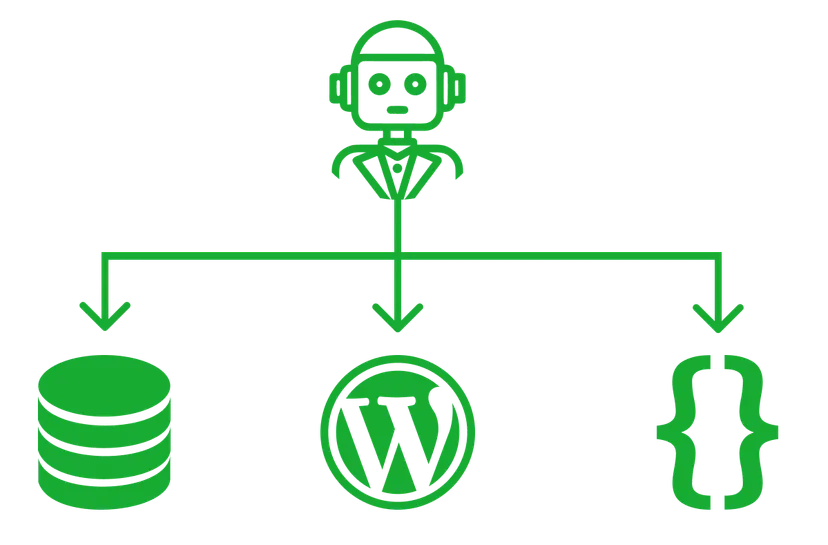
Let's explore agentic AI and see if, instead of choosing a CMS based on a familiar interface, we focus on storage, structure & cost.

Armed with years of experience in web development and some basic mathematics, we built a full stack application to win at the races
Ad-hoc planning, prototyping, building, testing, maintenance and team management in all aspects of web development. No upfront commitment and an free consultation, let's chat and see how we can help.